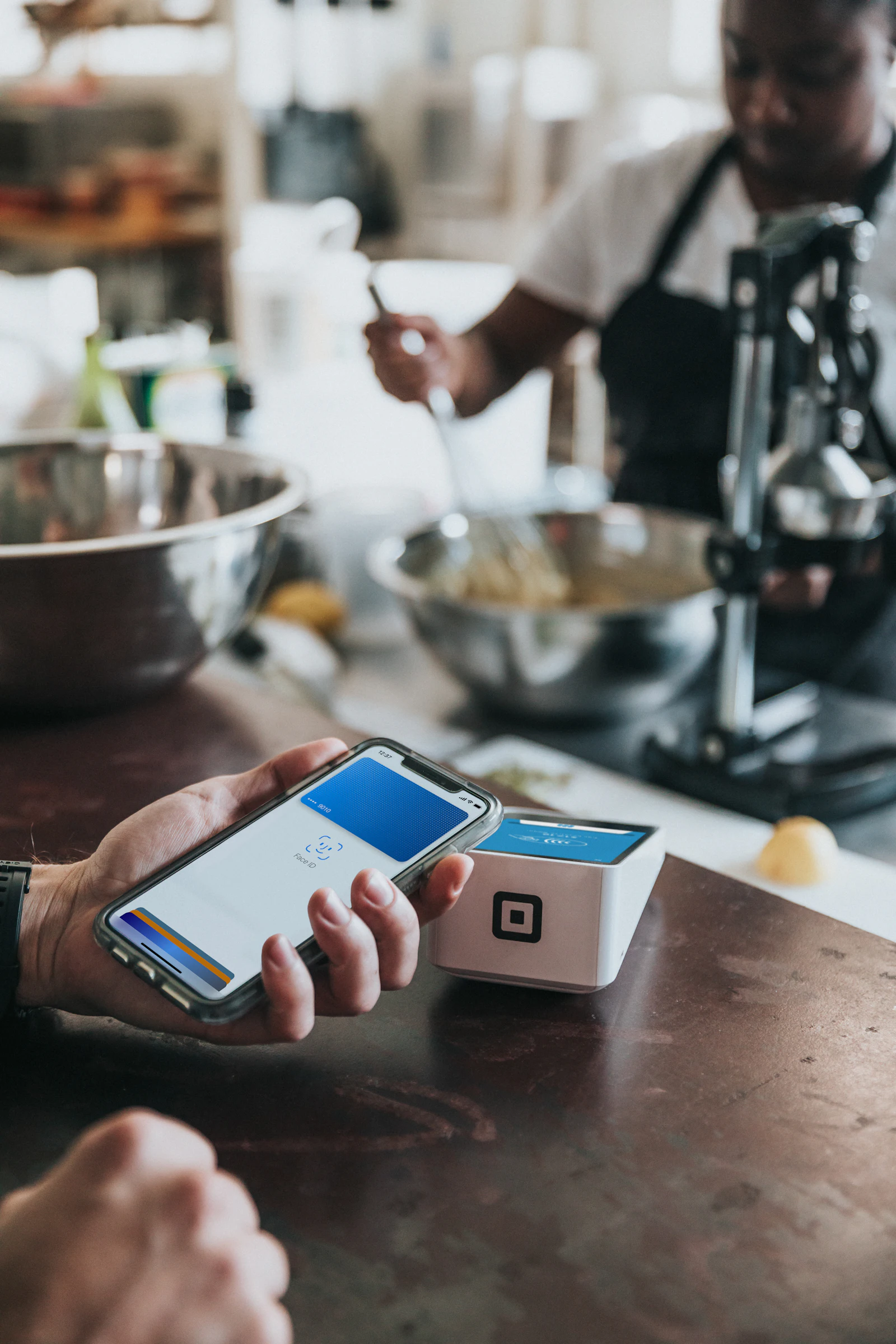
How Tap to Pay works
The customer taps their contactless card, phone or watch on the back of your phone. A payment app from your provider handles the payment, so you need an account with a provider that supports Tap to Pay. On iPhone it requires an iPhone XS or later; on Android it needs a phone with NFC that meets the provider’s requirements.
In the UK, Revolut Business and NatWest’s Tyl were launch partners for Tap to Pay on iPhone, and other providers including SumUp, Square and PayPal Point of Sale have added Tap to Pay to their apps. Check each provider’s app for current support on your device.
Pros and cons
| Pros | Cons |
|---|---|
| No hardware to buy or carry | Contactless only: no chip and PIN for cards that need it |
| Set up in minutes | No printed receipts (digital receipts instead) |
| Great back-up if a terminal fails | Uses your phone battery and data |
| Usually the same rate as the provider’s reader | Not ideal for busy counters |
Contactless limits on Tap to Pay
Card contactless limits apply in the same way as on a terminal. In March 2026 the FCA removed the fixed £100 limit, letting card issuers set their own, so limits now vary. Payments from phones and watches with Face ID, fingerprint or passcode checks weren’t subject to the £100 cap. Read the contactless limit explained.
Last updated: 16 October 2026


